
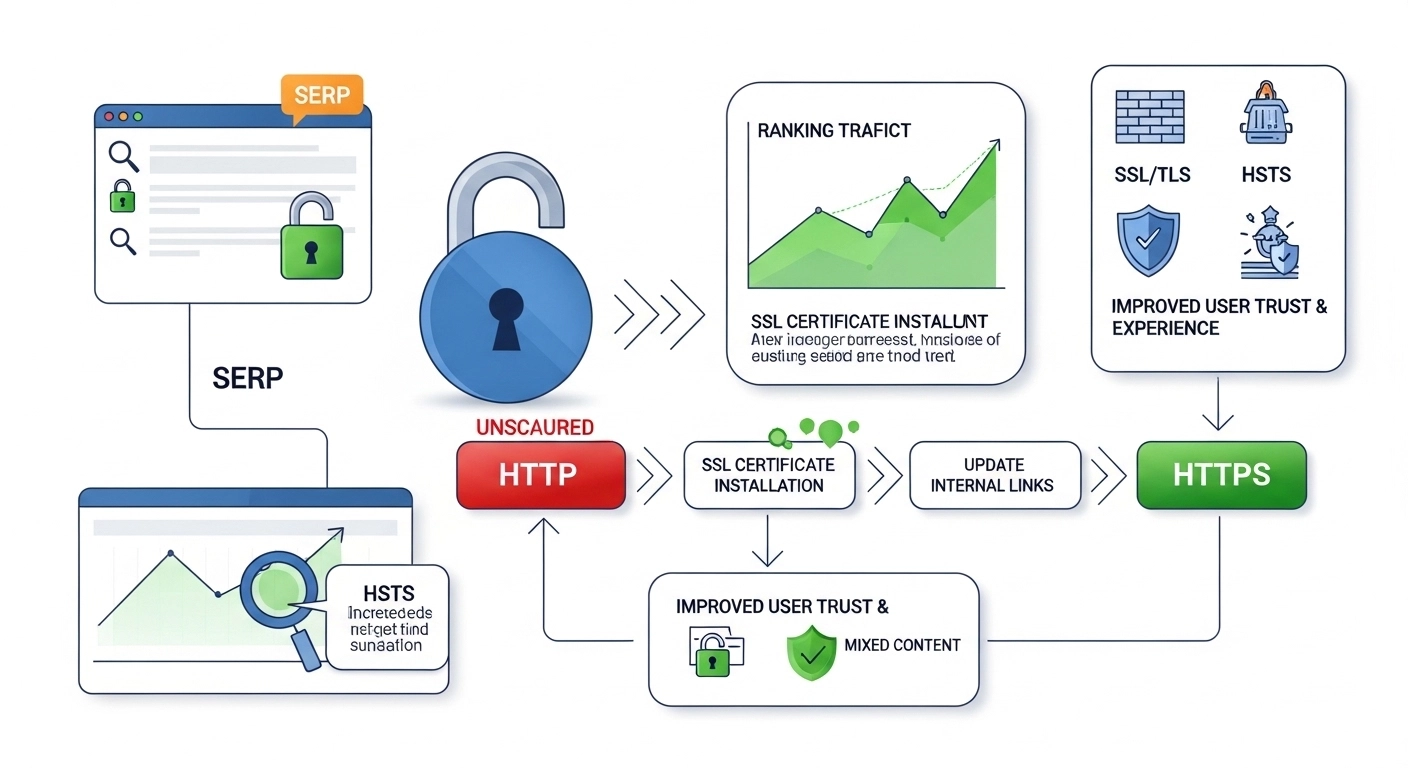
Switching your website from HTTP to HTTPS isn’t just a technical upgrade—it’s an SEO move that protects your traffic, improves trust, and aligns your site with modern search expectations. Done right, an HTTPS migration can preserve (and even boost) rankings. Done poorly, it can cause traffic drops, crawl issues, and broken pages.
This guide walks you through a clean, step-by-step HTTPS migration with an SEO-first approach.
Why HTTPS Matters for SEO
Google has used HTTPS as a lightweight ranking signal for years. But the real benefits go beyond rankings:
- Security & trust: Encrypts data between users and your site
- Better user experience: Browsers flag HTTP pages as “Not Secure”
- Accurate analytics: Referrer data is preserved from HTTPS sources
- Future-proofing: Required for many modern web features
Pre-Migration Checklist (Don’t Skip This)
Before flipping the switch, set yourself up for a smooth transition.
1) Crawl and Benchmark Your Site
- Export all URLs (use Screaming Frog, Sitebulb, etc.)
- Save current rankings, traffic, and top pages
- Note high-value pages (top traffic, backlinks, conversions)
2) Choose the Right SSL Certificate
- DV (Domain Validation): Basic sites/blogs
- OV/EV (Organization/Extended): Businesses needing higher trust signals
3) Back Up Everything
- Full site backup (files + database)
- Server configs and CMS settings
Step-by-Step HTTPS Migration (SEO-Safe)
1) Install the SSL Certificate
Work with your host or server admin to install and validate your SSL. Confirm your site loads over https://.
2) Force HTTPS with 301 Redirects
Set up 301 redirects from every HTTP URL to its HTTPS version. This passes link equity and avoids duplicate content.
Example (Apache):
RewriteEngine On
RewriteCond %{HTTPS} !=on
RewriteRule ^ https://%{HTTP_HOST}%{REQUEST_URI} [L,R=301]
3) Update Internal Links
- Replace all internal links from HTTP → HTTPS
- Update navigation, footer, in-content links, and canonical URLs
4) Fix Mixed Content Issues
Mixed content happens when HTTPS pages load HTTP assets (images, scripts, CSS).
- Update asset URLs to HTTPS
- Use relative URLs or protocol-relative paths where appropriate
5) Update Canonical Tags
Ensure every page’s canonical points to the HTTPS version.
6) Refresh XML Sitemaps
- Generate a new sitemap with HTTPS URLs only
- Remove HTTP URLs
- Submit in Google Search Console
7) Update Robots.txt
Make sure your robots file:
- Doesn’t block HTTPS pages
- References the new HTTPS sitemap
8) Update Google Search Console & Analytics
- Add and verify the HTTPS property
- Submit your sitemap
- Update default URL in analytics tools
9) Update External Signals (Where Possible)
- Change key backlinks (profiles, social bios, directories) to HTTPS
- Update CDN settings and third-party integrations
Common Mistakes to Avoid
- Using 302 instead of 301 redirects
- Redirect chains (HTTP → WWW → HTTPS)—keep it one clean hop
- Forgetting canonicals (causes duplicate indexing)
- Leaving mixed content unresolved
- Blocking HTTPS pages in robots.txt
What to Expect After Migration
A small, temporary fluctuation in rankings is normal. If everything is set up correctly, performance typically stabilizes within a few weeks.
Monitor closely:
- Crawl errors
- Index coverage
- Rankings for top keywords
- Organic traffic trends
Quick Example: Clean Migration Flow
- Install SSL
- Implement sitewide 301 redirects (HTTP → HTTPS)
- Update internal links + canonicals
- Fix mixed content
- Submit HTTPS sitemap in Search Console
- Monitor and resolve issues
FAQ: HTTPS Migration SEO
Q1: Will I lose rankings after moving to HTTPS?
Short-term fluctuations can happen, but a properly executed migration should retain your rankings and may improve them over time.
Q2: Do I need to update all internal links?
Yes. While redirects help, direct HTTPS links improve crawl efficiency and reduce unnecessary hops.
Q3: Is HTTPS mandatory for SEO?
Not strictly mandatory, but strongly recommended. It’s a ranking signal and a trust factor users expect.
Q4: How long does it take for Google to process the change?
Usually a few days to a few weeks, depending on site size and crawl frequency.
Q5: Should I migrate during peak traffic season?
No. Plan migrations during low-traffic periods to minimize risk.
Final Thoughts
An HTTPS migration is one of those rare SEO tasks that benefits users, security, and search performance all at once. The key is precision: clean redirects, consistent URLs, and zero mixed content.
Handle the technical details carefully, monitor your data, and you’ll come out with a faster, safer, and more trustworthy site.
