
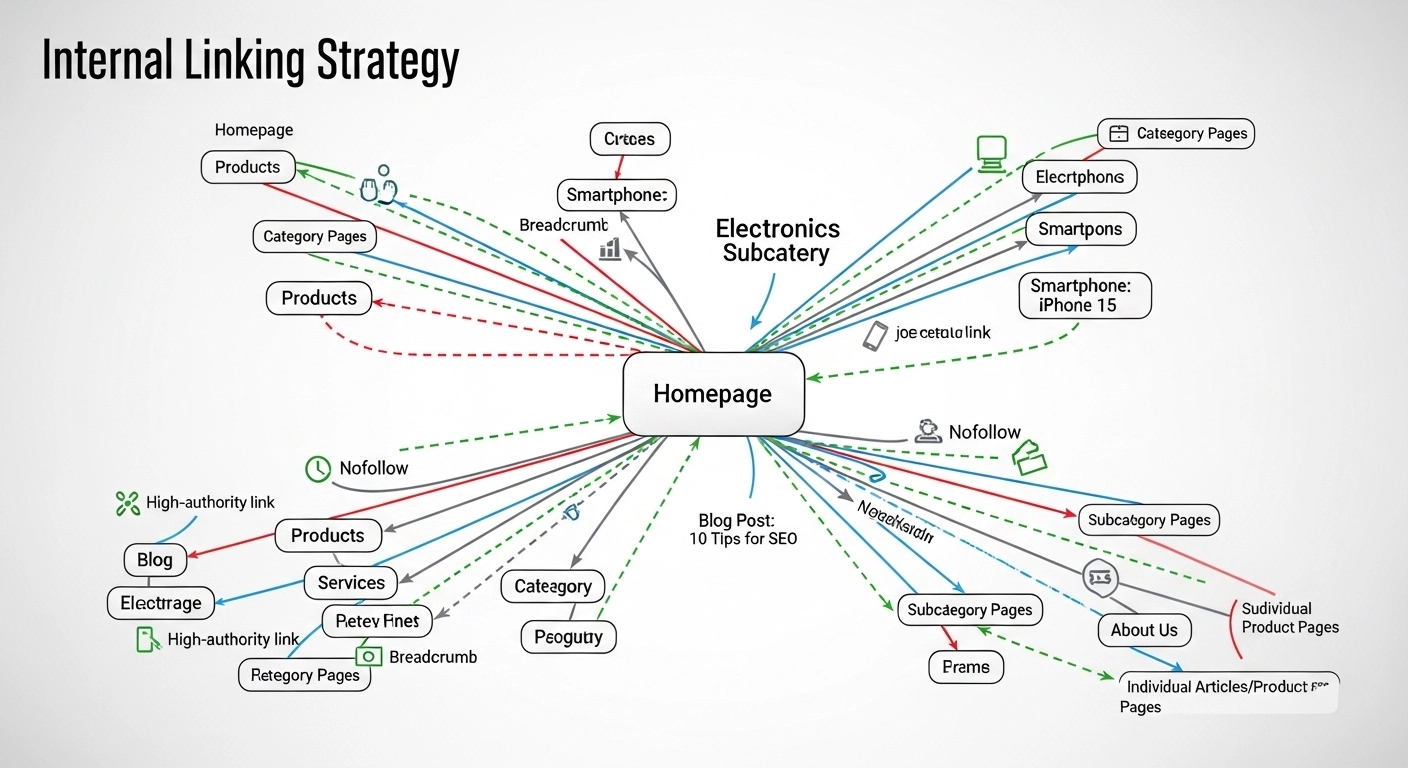
If you want stronger rankings, better crawlability, and more engaged readers, your internal linking strategy matters more than you think. Done right, internal links guide search engines through your site, distribute authority, and help users find exactly what they need—fast.
This guide breaks down how to build a smart, scalable internal linking system that actually moves the needle.
What Is an Internal Linking Strategy?
An internal linking strategy is the intentional way you connect pages on your own website using hyperlinks.
These links:
- Help search engines discover and index your content
- Pass authority (link equity) between pages
- Improve user navigation and time on site
Think of your website like a map. Internal links are the roads that connect everything together.
Why Internal Linking Matters for SEO
1. Improves Crawlability
Search engines use bots to crawl your site. Internal links help them find new and updated pages quickly.
2. Distributes Link Authority
When one page earns backlinks, internal links pass some of that value to other pages—especially important for pages that don’t have external links.
3. Strengthens Topical Relevance
Linking related content together builds topical authority. It signals that your site deeply covers a subject.
4. Enhances User Experience
Good internal links guide readers to relevant content, increasing time on site and reducing bounce rate.
Types of Internal Links (And How to Use Them)
1. Navigational Links
Found in menus, headers, and footers. These help users move around your site easily.
Best practice: Keep them simple and structured.
2. Contextual Links (Most Important)
These are links within your content.
Example:
If you’re learning SEO, check out our guide on keyword research.
Best practice: Use them naturally within relevant content.
3. Sidebar and Footer Links
Used for highlighting important pages like services or top blog posts.
Best practice: Don’t overstuff—keep them relevant.
How to Build a Strong Internal Linking Strategy
1. Use a Clear Site Structure
Organize your site into:
- Pillar pages (broad topics)
- Cluster pages (related subtopics)
Example:
- Pillar: SEO Guide
- Clusters: keyword research, on-page SEO, internal linking
Link all cluster pages to the pillar—and back.
2. Prioritize Important Pages
Not all pages are equal.
Focus on:
- High-converting pages
- Pages targeting competitive keywords
- New content that needs visibility
Link to these pages more often.
3. Use Descriptive Anchor Text
Anchor text is the clickable text of a link.
❌ Bad: Click here
✅ Good: Learn how to create an internal linking strategy
Tip: Keep it natural and relevant—avoid keyword stuffing.
4. Link Deep (Not Just to the Homepage)
Many websites over-link to their homepage.
Instead, link directly to:
- Blog posts
- Product pages
- Service pages
This improves visibility for deeper content.
5. Maintain a Logical Linking Flow
Ask yourself:
- Does this link help the reader?
- Is it contextually relevant?
If not, skip it.
6. Fix Orphan Pages
Orphan pages have no internal links pointing to them.
They’re hard for search engines to find.
Solution:
- Audit your site
- Add internal links from relevant pages
7. Keep Link Depth Shallow
Important pages should be reachable within 2–3 clicks from the homepage.
Internal Linking Example (Simple)
Let’s say you run a blog about SEO.
In your article on “On-Page SEO,” you could link to:
- Keyword research guide
- Meta description tips
- Internal linking strategy (this topic)
Each link helps users go deeper while boosting SEO.
Common Internal Linking Mistakes
Avoid these:
- Overloading pages with too many links
- Using generic anchor text like “read more”
- Linking irrelevant pages
- Ignoring older content
- Not updating links when adding new content
Pro Tips for Better Results
- Add 3–5 internal links per 1,000 words (flexible rule)
- Update old posts with links to new content
- Use tools like site audits to find linking gaps
- Track performance in Google Search Console
FAQ
How many internal links should a page have?
There’s no strict number. Focus on relevance and usability. A typical blog post can have 5–15 internal links depending on length.
Do internal links help rankings?
Yes. They help search engines understand your site structure and distribute authority, which can improve rankings.
What is the best anchor text for internal links?
Use descriptive, natural phrases that match the topic of the linked page.
Should I use exact match keywords in anchor text?
Use them sparingly. Keep it natural to avoid over-optimization.
How often should I update internal links?
Regularly. Update older content whenever you publish new related pages.
Final Thoughts
A strong internal linking strategy isn’t about adding more links—it’s about adding the right links in the right places.
When done well, it:
- Improves SEO performance
- Boosts user engagement
- Builds authority across your site
Start simple: audit your content, connect related pages, and guide your readers naturally.
