
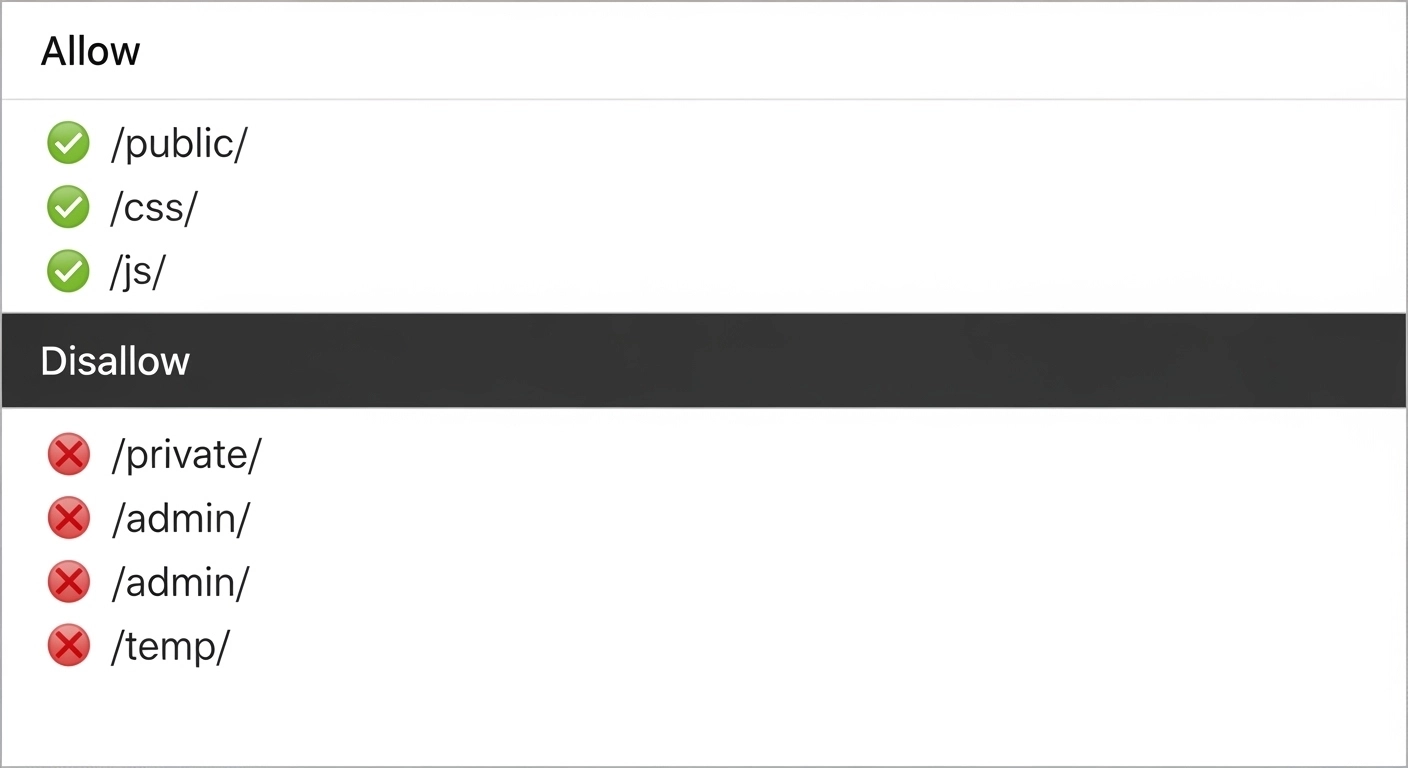
If you care about how search engines crawl your site, your robots.txt file deserves attention. It’s small, simple, and powerful—but also easy to misuse. Done right, it helps search engines focus on your most valuable pages. Done wrong, it can quietly block your entire site from being indexed.
This guide breaks down robots.txt best practices in a clear, practical way—so you can optimize crawling without hurting your SEO.
What Is Robots.txt (and Why It Matters)
A robots.txt file is a text file placed in the root of your website (e.g., yourdomain.com/robots.txt). It tells search engine bots which pages or sections they can or cannot crawl.
It doesn’t directly control indexing—but it strongly influences how efficiently search engines access your content.
Why it matters:
- Improves crawl efficiency
- Prevents crawling of duplicate or low-value pages
- Helps protect sensitive areas (to a degree)
- Supports overall technical SEO health
How Robots.txt Works (Simple Example)
Here’s a basic file:
User-agent: *
Disallow: /admin/
Allow: /admin/public-page/
Sitemap: https://example.com/sitemap.xml
What this means:
- Applies to all bots (
*) - Blocks
/admin/directory - Allows a specific page inside it
- Points bots to your sitemap
1. Use Robots.txt to Control Crawling, Not Indexing
One of the biggest mistakes is thinking robots.txt can remove pages from search results.
Reality:
- Robots.txt controls crawling
- Indexing is controlled by meta tags like
noindex
👉 If you block a page in robots.txt but it has backlinks, it can still appear in search results—without content.
Best practice:
Use noindex (in meta tags or headers) when you want a page removed from search results.
2. Don’t Block Important Pages
It sounds obvious, but it happens often.
Avoid blocking:
- Product pages
- Blog posts
- Category pages
- Core landing pages
Bad example:
Disallow: /
This blocks your entire site—catastrophic for SEO.
3. Block Low-Value or Duplicate Content
Robots.txt is perfect for keeping search engines away from unnecessary pages.
Common examples:
/wp-admin//cart//checkout/- Filter and sort URLs (
?sort=price) - Internal search pages (
/search?q=)
Example:
Disallow: /search
Disallow: /*?sort=
This helps search engines focus on pages that actually matter.
4. Always Include Your Sitemap
Make it easy for search engines to discover your content.
Sitemap: https://example.com/sitemap.xml
Why this helps:
- Speeds up indexing
- Improves crawl coverage
- Ensures important pages are found
5. Use Wildcards Carefully
Robots.txt supports pattern matching, but misuse can block more than intended.
Example:
Disallow: /*?*
This blocks all URLs with parameters—sometimes too aggressive.
Best practice:
- Be specific
- Test patterns before deploying
6. Keep It Clean and Simple
A robots.txt file should be easy to read and maintain.
Good practices:
- Use clear structure
- Avoid unnecessary rules
- Add comments when needed
Example:
# Block admin area
Disallow: /admin/# Allow public content
Allow: /
7. Test Your Robots.txt File
Never publish changes blindly.
Use tools like:
- Google Search Console (robots.txt tester)
- Manual checks in browser
What to check:
- Are important pages crawlable?
- Are blocked pages truly blocked?
- Any accidental site-wide restrictions?
8. Don’t Use Robots.txt for Security
Robots.txt is public. Anyone can view it.
Bad idea:
Disallow: /private-data/
This actually reveals sensitive paths.
Better approach:
- Use password protection
- Server-level restrictions
9. Match Rules to the Right User-Agent
You can target specific bots.
Example:
User-agent: Googlebot
Disallow: /no-google/User-agent: *
Allow: /
This gives you more control when needed—but keep it simple unless necessary.
10. Keep It Updated
Your site evolves. Your robots.txt should too.
Update when:
- Adding new sections
- Changing URL structure
- Launching redesigns
- Fixing crawl issues
Outdated rules can quietly hurt performance.
Common Robots.txt Mistakes to Avoid
- Blocking your entire site
- Blocking CSS or JS files (can affect rendering)
- Using it instead of
noindex - Forgetting to update after site changes
- Overusing wildcards
Simple FAQ
Q1: Does robots.txt affect rankings?
Not directly. But it affects crawling, which impacts indexing—and that influences rankings.
Q2: Can robots.txt remove pages from Google?
No. Use noindex or removal tools for that.
Q3: Where should robots.txt be placed?
In the root directory: yourdomain.com/robots.txt
Q4: Is robots.txt required?
No, but it’s highly recommended for SEO control.
Q5: Can I block bad bots?
You can try, but many bad bots ignore robots.txt.
Final Thoughts
A well-optimized robots.txt file is a small change with a big impact. It helps search engines spend their time wisely—on the pages you actually want to rank.
Keep it simple. Keep it intentional. And always test before you publish.
