
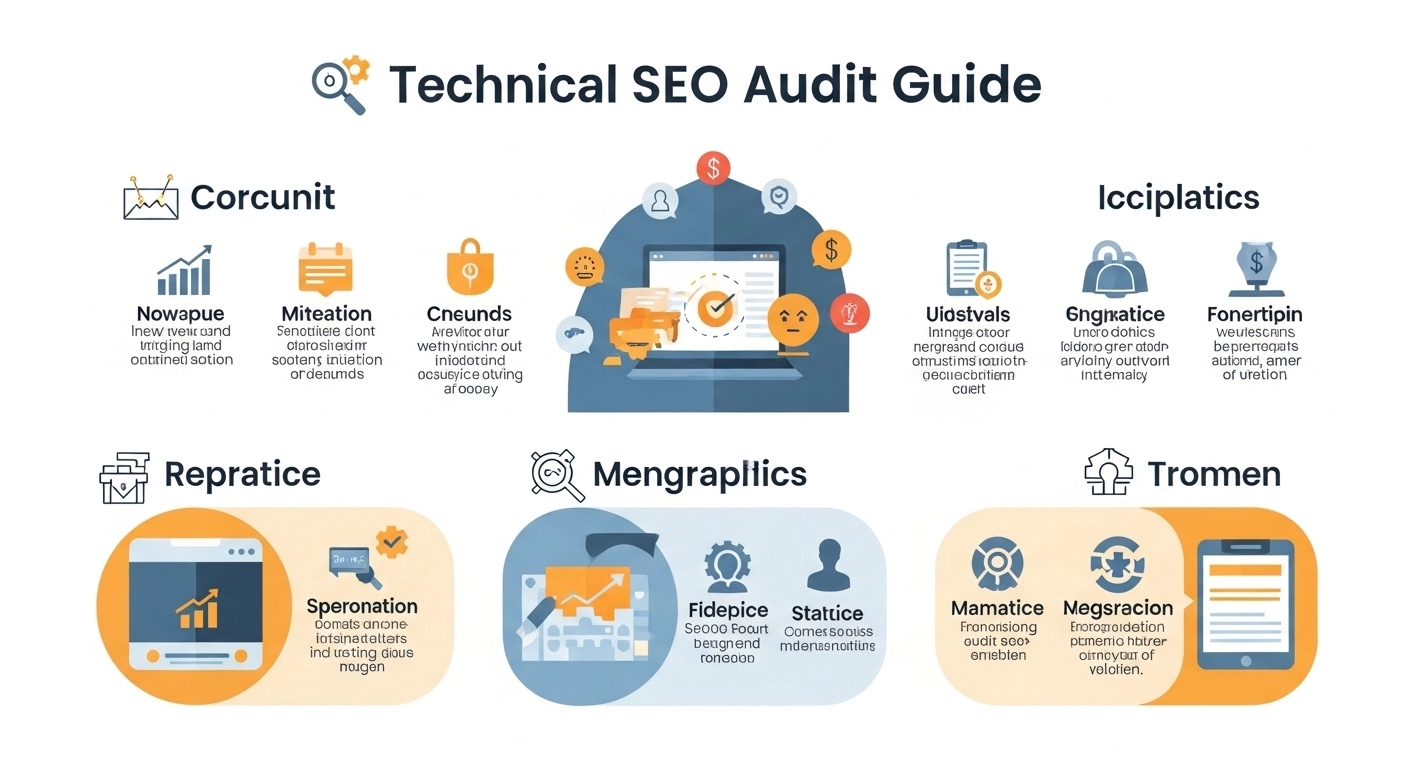
A strong website isn’t just about great content—it also needs a solid technical foundation. If search engines can’t properly crawl, index, or understand your site, even the best content may not rank.
That’s where a technical SEO audit comes in.
This guide breaks down exactly how to run a complete technical SEO audit in a practical, beginner-friendly way—no fluff, just real steps you can follow.
What Is a Technical SEO Audit?
A technical SEO audit is the process of checking your website for issues that affect how search engines crawl, index, and rank your pages.
It focuses on backend and structural elements like:
- Site speed
- Mobile usability
- Crawl errors
- Indexing issues
- Site architecture
- Structured data
- Security (HTTPS)
Think of it as a “health check” for your website.
Check Website Crawlability
Search engines need to crawl your site before they can rank it.
Start with:
- robots.txt file
- XML sitemap
- broken links
- crawl depth
Use tools like:
- Screaming Frog SEO Spider – to crawl your entire website
- Google Search Console – to detect crawl errors and indexing issues
Make sure important pages are no more than 3 clicks from the homepage.
Fix Indexing Issues
Even if Google crawls your site, it may not index everything.
Check:
- “noindex” tags accidentally applied
- duplicate pages
- canonical issues
- blocked URLs
Use Google Search Console → Coverage Report to see:
- Indexed pages
- Excluded pages
- Errors
If important pages are missing, fix them immediately.
Improve Site Speed & Core Web Vitals
Page speed is a major ranking factor.
Focus on:
- Largest Contentful Paint (LCP)
- First Input Delay (FID)
- Cumulative Layout Shift (CLS)
Use:
- PageSpeed Insights – to test performance
- Image compression tools
- Browser caching
- Lazy loading
Example:
If your homepage takes 5+ seconds to load, you are likely losing both rankings and users.
Mobile-Friendliness Check
Most traffic today comes from mobile devices.
Check:
- Responsive design
- Readable fonts
- Clickable buttons
- Proper spacing
You can test this in:
- Google Search Console → Mobile Usability Report
Google uses mobile-first indexing, so this step is critical.
Analyze Site Structure & Internal Linking
A clean site structure helps both users and search engines understand your content.
Best practices:
- Use a clear category system
- Avoid orphan pages (pages with no links)
- Use internal links strategically
- Build topic clusters
Example:
Blog posts about SEO should link to a main “SEO guide” pillar page.
Fix Broken Links & Redirects
Broken links hurt user experience and SEO.
Look for:
- 404 errors
- redirect chains
- unnecessary 302 redirects
Fix by:
- Updating links
- Using 301 redirects
- Removing dead pages
Tools like Screaming Frog SEO Spider make this process fast and easy.
Review HTTPS & Site Security
Google prefers secure websites.
Check:
- SSL certificate installed
- HTTP → HTTPS redirect working
- No mixed content warnings
If your site still shows “Not Secure,” fix it immediately.
Validate Structured Data (Schema)
Structured data helps search engines understand your content better.
Check for:
- Article schema
- Product schema
- FAQ schema
- Organization schema
Use Google’s Rich Results Test tool to validate.
Bonus: Proper schema can improve click-through rates with rich snippets.
Audit Metadata & On-Page Technical Elements
Even though this is “technical SEO,” metadata still matters.
Check:
- Title tags (unique, optimized)
- Meta descriptions (clear and compelling)
- H1 tags (one per page)
- Duplicate metadata issues
Example:
Bad: “Home | Website”
Good: “Affordable SEO Services for Small Businesses | Brand Name”
Run a Full SEO Tools Analysis
To complete your audit, use a mix of tools:
- Ahrefs – backlink + site health analysis
- SEMrush – technical site audit + keyword tracking
- Google Analytics – user behavior insights
These tools help you identify:
- Traffic drops
- Technical errors
- Content gaps
- Performance issues
Technical SEO Audit Checklist (Quick Summary)
- Crawlability checked
- Indexing issues fixed
- Site speed optimized
- Mobile usability improved
- Internal linking structured
- Broken links repaired
- HTTPS secured
- Schema validated
- Metadata optimized
FAQ: Technical SEO Audit Guide
1. How often should I run a technical SEO audit?
At least every 3–6 months, or after major website updates.
2. What is the most important part of technical SEO?
Crawlability and indexing if Google can’t access your pages, nothing else matters.
3. Do small websites need technical SEO audits?
Yes. Even small blogs can suffer from broken links, slow speed, or indexing issues.
4. Can I do a technical SEO audit without tools?
You can do a basic check manually, but tools make it faster and more accurate.
5. What is the biggest technical SEO mistake?
Blocking important pages from indexing or having a poorly structured site.
Conclusion and CTA
A technical SEO audit is not a one-time task—it’s an ongoing process that keeps your website healthy, fast, and search-engine friendly.
When your technical foundation is strong, your content performs better, your rankings improve, and your traffic becomes more stable.
