
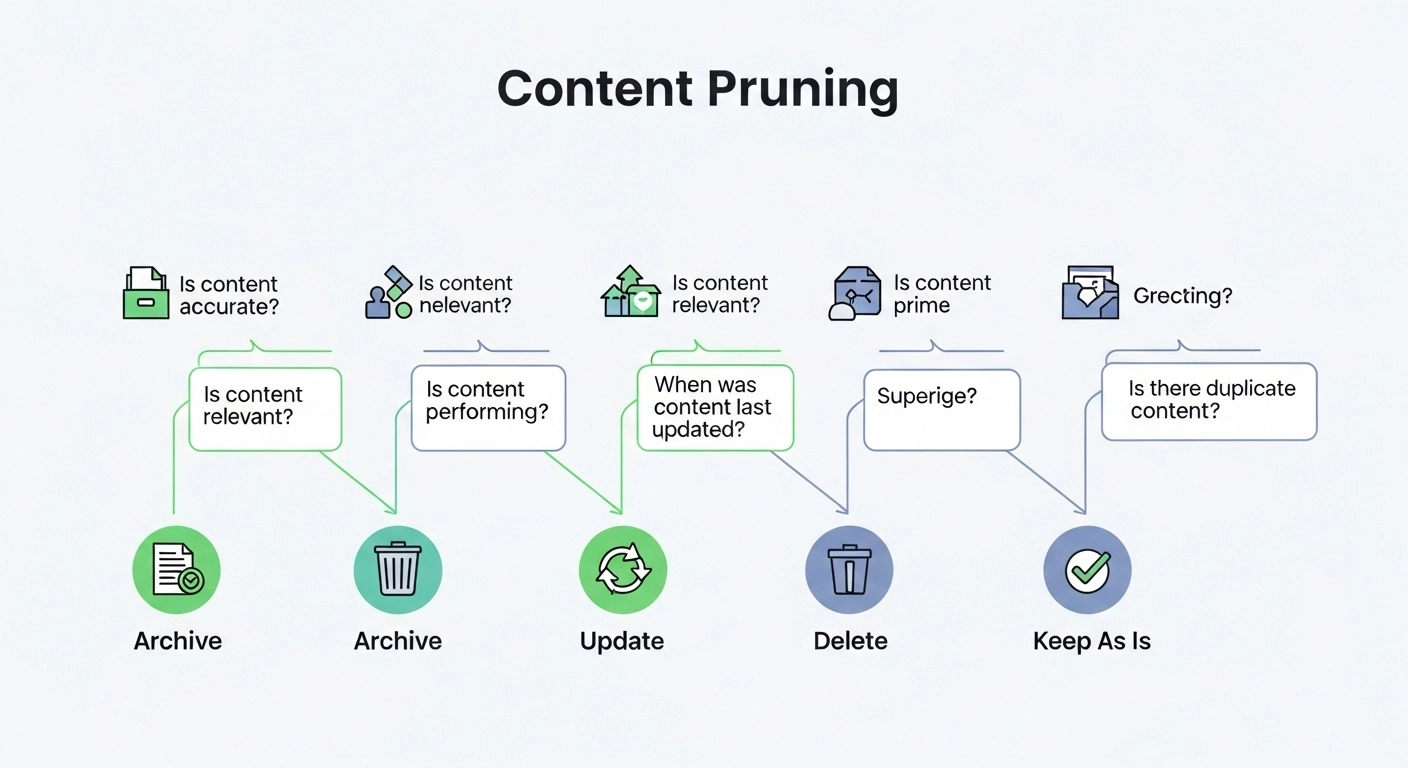
If your website has been running for a while, chances are you have content that no longer performs, overlaps with other pages, or simply adds no value anymore. This is where a content pruning strategy becomes essential.
Content pruning is not about deleting content randomly. It’s a structured SEO process that helps you improve rankings, boost site quality, and make your strongest pages perform even better.
Let’s break it down in a simple, practical way.
What Is a Content Pruning Strategy?
A content pruning strategy is the process of auditing your website content and deciding what to:
- Keep and improve
- Update and optimize
- Merge with similar content
- Remove or noindex
The goal is to improve your site’s overall SEO health by removing “low-value” pages that dilute authority.
Think of it like trimming a tree: you remove weak branches so the strong ones grow better.
Why Content Pruning Matters for SEO
Search engines prefer websites that are:
- Relevant
- Updated
- Focused on quality over quantity
When your site has too much thin or outdated content, it can hurt performance.
A good pruning strategy helps you:
- Improve crawl efficiency
- Strengthen topical authority
- Reduce keyword cannibalization
- Increase rankings for important pages
- Improve user experience
Tools like Google Search Console help identify pages that get impressions but low clicks—perfect candidates for pruning.
Step-by-Step Content Pruning Strategy
1. Collect Your Content Data
Start by exporting all URLs from your website. You can use:
- Google Search Console
- Ahrefs
- Semrush
Look at metrics like:
- Organic traffic
- Rankings
- Backlinks
- Engagement (time on page, bounce rate)
2. Identify Low-Value Pages
Flag pages that:
- Get little or no traffic
- Have outdated information
- Target the same keyword as other pages
- Offer thin or duplicate content
These are often called “content bloat.”
3. Decide What to Do (Keep, Update, Merge, Delete)
Now categorize each page:
Keep
High-performing pages with strong backlinks or traffic.
Update
Old but valuable pages that need refreshed data or SEO optimization.
Merge
Similar pages that compete with each other. Combine them into one strong article.
Delete or Noindex
Pages that provide no SEO value or user benefit.
You can confirm page structure and technical issues using Screaming Frog SEO Spider.
4. Optimize What You Keep
For updated and merged pages:
- Improve headings and structure
- Add missing keywords naturally
- Improve internal linking
- Refresh outdated statistics
- Add FAQs for better coverage
If you’re using a CMS like WordPress, plugins can help manage redirects and SEO updates easily.
5. Set Up Redirects Properly
When deleting or merging pages, always use 301 redirects.
This ensures:
- You preserve link equity
- Users don’t hit broken pages
- Search engines understand the new structure
Common Content Pruning Mistakes to Avoid
Many websites make these errors:
- Deleting pages without checking backlinks
- Removing content too aggressively
- Not redirecting old URLs
- Pruning without data analysis
- Ignoring keyword cannibalization
Remember: pruning is about improvement, not reduction for its own sake.
Real Example of Content Pruning
Imagine a blog with these posts:
- “SEO Tips for Beginners”
- “Basic SEO Guide”
- “SEO Starter Guide 2022”
Instead of keeping all three, you can:
- Merge them into one strong “Complete SEO Beginner Guide”
- Redirect the old URLs to the new page
- Update the final article with fresh insights
Result: stronger ranking potential and clearer topical authority.
How Often Should You Prune Content?
A good rule of thumb:
- Every 6–12 months for active websites
- After major algorithm updates
- During full SEO audits
Large websites may need quarterly pruning cycles.
FAQs About Content Pruning Strategy
1. Is content pruning the same as deleting content?
No. Deleting is only one option. Pruning also includes updating, merging, and improving content.
2. Does content pruning improve SEO rankings?
Yes. It helps search engines focus on your best content, improving overall site authority.
3. What tools are best for content pruning?
Popular tools include Google Search Console, Ahrefs, and Semrush.
4. Can pruning hurt my website?
Only if done incorrectly—like deleting high-value pages without redirects or data review.
5. What types of content should I remove first?
Start with thin, outdated, or duplicate pages that bring no traffic or backlinks.
Conclusion
A well-planned content pruning strategy is one of the most effective ways to improve SEO performance without creating new content.
Instead of constantly publishing more, focus on strengthening what you already have. When done right, pruning helps search engines better understand your site and rewards you with higher rankings.
