
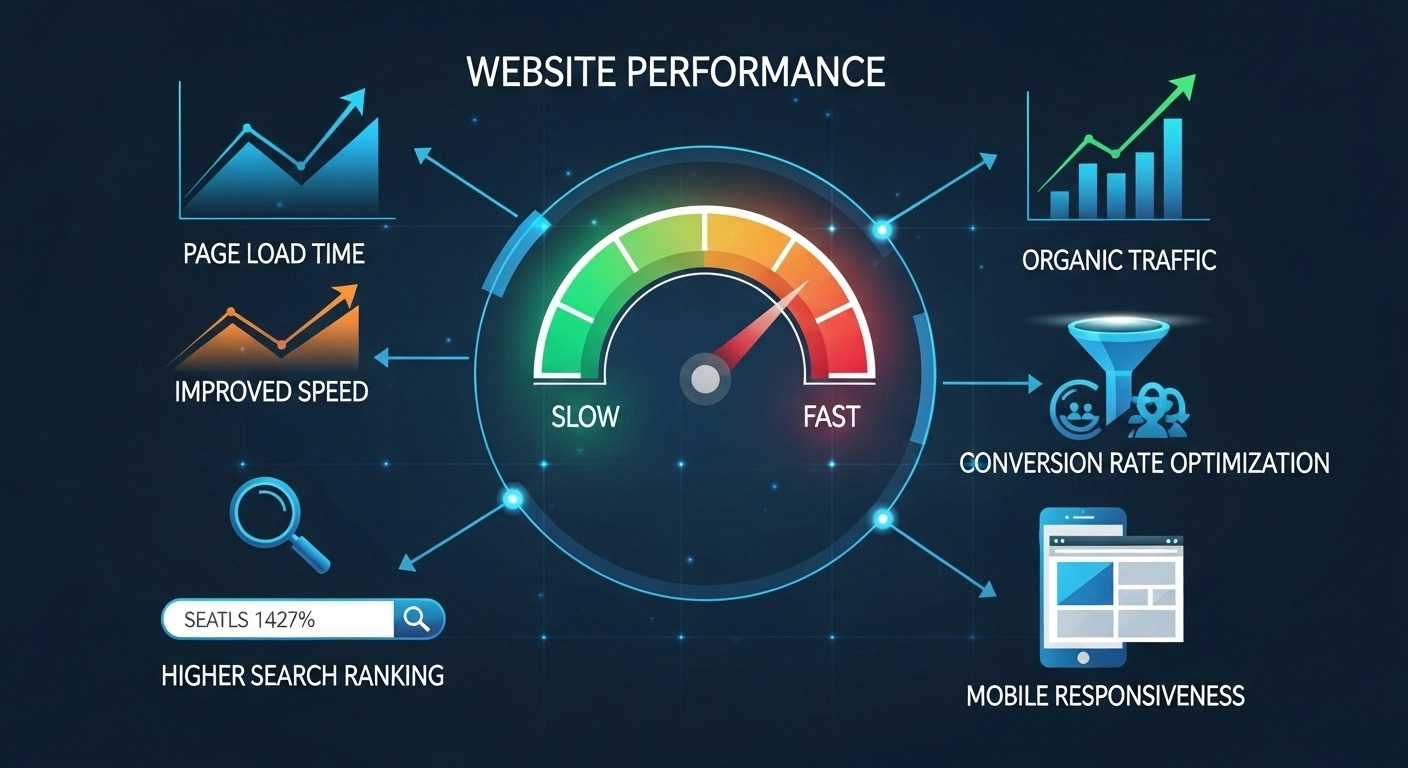
If your website feels slow, rankings are stuck, or visitors leave too quickly, you’re likely facing a performance problem—not just an SEO problem.
SEO website performance improvement is about making your site faster, smoother, and easier to use—while helping search engines crawl, understand, and rank your pages more effectively. The good news? You don’t need to be a developer to fix most issues.
This guide walks you through proven strategies, real examples, and actionable steps you can apply today.
What Is SEO Website Performance Improvement?
SEO performance improvement focuses on optimizing your website’s speed, usability, and technical structure so it:
- Loads quickly on all devices
- Delivers a smooth user experience
- Gets crawled and indexed efficiently
- Ranks higher in search results
It combines technical SEO + page speed + user experience (UX).
Why Website Performance Matters for SEO
Google uses performance signals (like Core Web Vitals) as ranking factors. But even more important:
- Slow sites increase bounce rate
- Poor UX reduces conversions
- Heavy pages hurt mobile users
- Crawlers may not index all pages
👉 Simply put: Better performance = better rankings + more traffic + higher conversions
Core Areas to Improve Website Performance
1. Page Speed Optimization
Speed is the foundation of performance.
Key fixes:
- Compress images (use WebP format)
- Minify CSS, JavaScript, HTML
- Enable browser caching
- Use a Content Delivery Network (CDN)
Example:
A blog reduced image sizes from 2MB to 200KB → page load dropped from 5s to 1.8s → traffic increased by 35%.
2. Core Web Vitals Optimization
Focus on these three metrics:
- LCP (Largest Contentful Paint) – loading speed
- FID (First Input Delay) – interactivity
- CLS (Cumulative Layout Shift) – visual stability
Quick improvements:
- Use fast hosting
- Avoid heavy scripts
- Set image dimensions
- Reduce layout shifts
3. Mobile Optimization
Most users are on mobile—Google uses mobile-first indexing.
Best practices:
- Use responsive design
- Avoid popups that block content
- Optimize touch elements
- Keep font readable
4. Technical SEO Improvements
A technically strong site performs better in search.
Key elements:
- Clean URL structure
- XML sitemap
- Proper robots.txt
- Fix broken links (404 errors)
- Improve crawlability
Example:
Fixing crawl errors on a site increased indexed pages by 60% within weeks.
5. Image Optimization
Images often slow down websites.
Best practices:
- Use compressed formats (WebP, JPEG)
- Lazy load images
- Add descriptive alt text (helps SEO too)
6. Server & Hosting Performance
Your hosting plays a major role.
Improve by:
- Using fast, reliable hosting
- Switching to VPS or cloud hosting
- Enabling HTTP/2 or HTTP/3
7. Reduce Unnecessary Scripts & Plugins
Too many plugins = slower site.
Fix:
- Remove unused plugins
- Load scripts only when needed
- Use lightweight themes
8. Internal Linking & Site Structure
Performance isn’t just speed—it’s also how easily users and bots navigate your site.
Improve:
- Use clear navigation
- Add internal links between related pages
- Build topic clusters
Simple SEO Performance Formula
Fast Speed + Clean Code + Mobile Optimization + Strong Structure = Better Rankings
Tools to Measure Website Performance
Use these tools regularly:
- Google PageSpeed Insights
- Google Search Console
- Lighthouse
- GTmetrix
Track progress and fix issues step by step.
Step-by-Step Action Plan
If you want quick results, follow this:
- Test your website speed
- Compress all images
- Enable caching
- Fix Core Web Vitals issues
- Remove unused plugins/scripts
- Improve mobile design
- Fix technical SEO errors
Common Mistakes to Avoid
- Ignoring mobile users
- Using heavy themes
- Uploading large images
- Installing too many plugins
- Not testing performance regularly
FAQ: SEO Website Performance Improvement
1. How fast should my website be?
Ideally, your site should load in under 2–3 seconds.
2. Does page speed affect rankings?
Yes. Page speed is a confirmed ranking factor and impacts user experience.
3. What is the biggest performance issue?
Large images and poor hosting are the most common problems.
4. Can I improve performance without coding?
Absolutely. Many improvements can be done using plugins and tools.
5. How often should I check performance?
At least once a month or after major updates.
Final Thoughts
SEO website performance improvement is not a one-time fix—it’s an ongoing process. But even small changes can lead to big results.
Focus on speed, user experience, and technical health. When your site becomes faster and smoother, both users and search engines reward you.
