
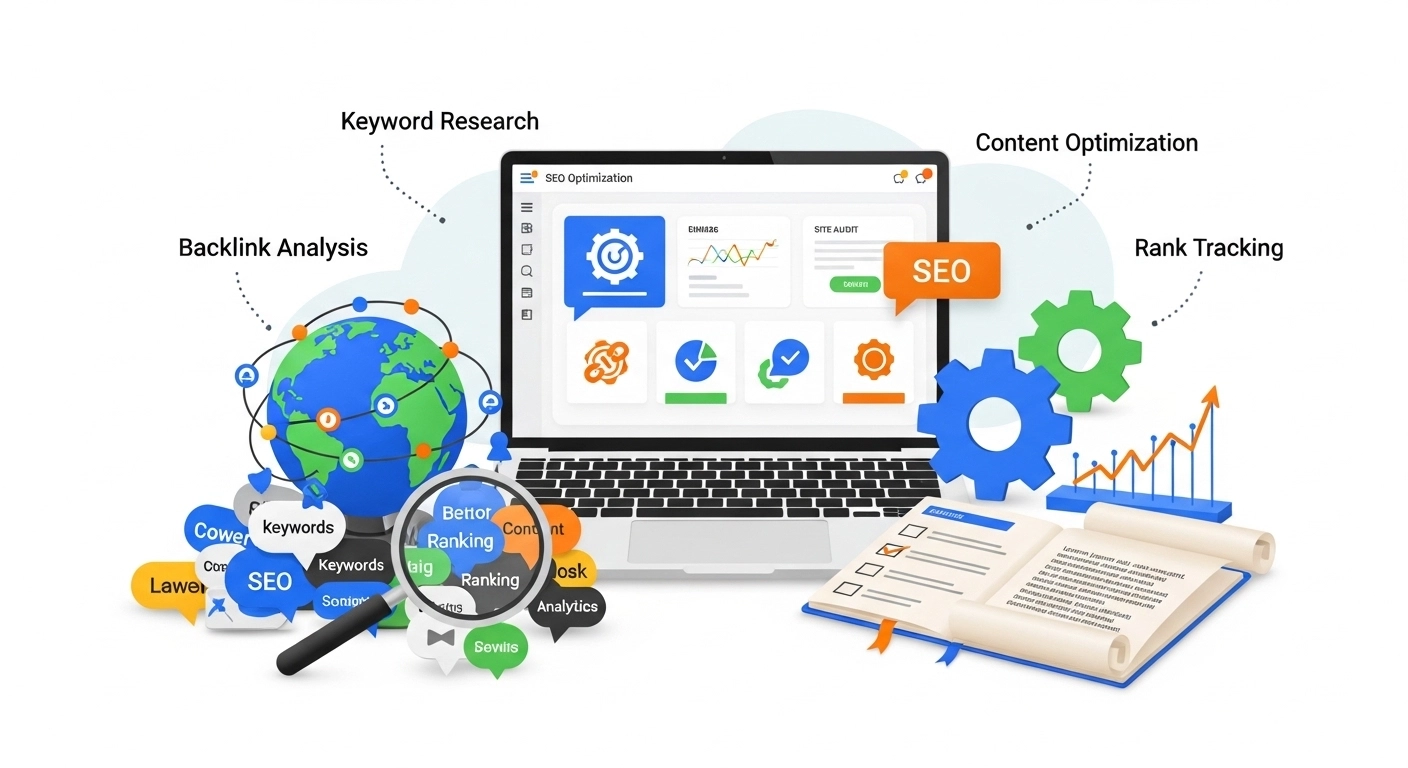
If you’re investing time or money into SEO, you need clear answers to one question: what’s working? That’s where SEO analytics tracking comes in. It turns guesswork into data, showing you which keywords, pages, and actions are moving your rankings—and your revenue.
This guide breaks down how to track SEO performance the right way, what metrics matter, and how to use your data to grow faster.
What Is SEO Analytics Tracking?
SEO analytics tracking is the process of collecting, measuring, and analyzing data from your website to understand how it performs in search engines.
It answers questions like:
- Which keywords bring traffic?
- Which pages convert visitors into customers?
- Where are users dropping off?
- How does organic traffic grow over time?
Instead of chasing rankings alone, you focus on real outcomes—traffic quality, engagement, and conversions.
Why SEO Tracking Matters More Than Ever
Ranking #1 doesn’t guarantee success. If visitors don’t engage or convert, rankings are meaningless.
With proper tracking, you can:
- Identify high-performing keywords and double down
- Fix pages with high impressions but low clicks
- Improve content that gets traffic but no conversions
- Measure ROI from SEO efforts
Example:
You rank for a keyword bringing 1,000 visitors/month—but zero sales. Tracking reveals poor intent match. You adjust the content, and conversions start flowing.
Core SEO Metrics You Should Track
Not all metrics are equal. Focus on the ones that drive decisions.
1. Organic Traffic
Track how many users come from search engines.
Look for trends—not just spikes.
2. Keyword Rankings
Monitor position changes for your target keywords.
But remember: rankings ≠ results without traffic and conversions.
3. Click-Through Rate (CTR)
CTR shows how many users click your result after seeing it.
Improve CTR by:
- Writing compelling titles
- Using emotional triggers
- Adding numbers or benefits
4. Bounce Rate & Engagement
If users leave quickly, your content may not match intent.
Track:
- Time on page
- Pages per session
- Scroll depth
5. Conversions (Most Important)
This is where SEO becomes business-driven.
Track actions like:
- Purchases
- Form submissions
- Calls
- Newsletter signups
Essential Tools for SEO Analytics Tracking
You don’t need dozens of tools. Start with these:
Google Analytics (GA4)
Tracks user behavior, conversions, and traffic sources.
Google Search Console
Shows:
- Keyword impressions
- Clicks and CTR
- Indexing issues
Keyword Tracking Tools
Tools like Ahrefs, SEMrush, or Ubersuggest help monitor rankings and competitor performance.
How to Set Up SEO Tracking (Step-by-Step)
Step 1: Connect Your Website
Install tracking code (GA4) and verify your site in Search Console.
Step 2: Set Up Conversions
Define what success looks like:
- Sales
- Leads
- Downloads
Step 3: Track Key Pages
Focus on:
- Landing pages
- Blog posts
- Product pages
Step 4: Monitor Keywords
Track:
- Primary keywords
- Long-tail variations
- Branded vs non-branded terms
Step 5: Build Simple Reports
Create weekly or monthly reports showing:
- Traffic growth
- Top pages
- Conversions
- Keyword movement
Practical Example: Turning Data Into Results
Let’s say you notice:
- A blog post ranks #5
- Gets 5,000 impressions
- But only 100 clicks (low CTR)
Fix:
- Rewrite title and meta description
- Add power words or numbers
- Match search intent better
Result: CTR jumps from 2% → 6%, tripling traffic without new content.
Common SEO Tracking Mistakes to Avoid
- Tracking too many metrics (focus on what matters)
- Ignoring conversions
- Not segmenting branded vs non-branded traffic
- Checking data without taking action
- Expecting instant results (SEO takes time)
Advanced SEO Tracking Tips
Once basics are set, go deeper:
Track User Journeys
See how users move across pages before converting.
Analyze Content Performance
Find:
- Top-performing blog posts
- Underperforming pages to optimize
Monitor Technical SEO Impact
Track how fixes (like site speed or indexing) affect rankings and traffic.
Use Event Tracking
Track clicks on:
- Buttons
- Links
- Videos
This reveals hidden user behavior.
Simple FAQ
What is the best tool for SEO analytics tracking?
Google Analytics and Google Search Console together cover most needs. Paid tools add deeper insights.
How often should I check SEO data?
Weekly for trends, monthly for strategy decisions.
What is the most important SEO metric?
Conversions. Traffic without results doesn’t grow your business.
How long does SEO tracking take to show results?
Typically 3–6 months, depending on competition and effort.
Final Thoughts
SEO analytics tracking is not just about collecting data—it’s about making smarter decisions.
When you focus on the right metrics, track consistently, and act on insights, SEO becomes predictable and scalable.
Stop guessing. Start measuring. Then optimize what actually moves the needle.
