
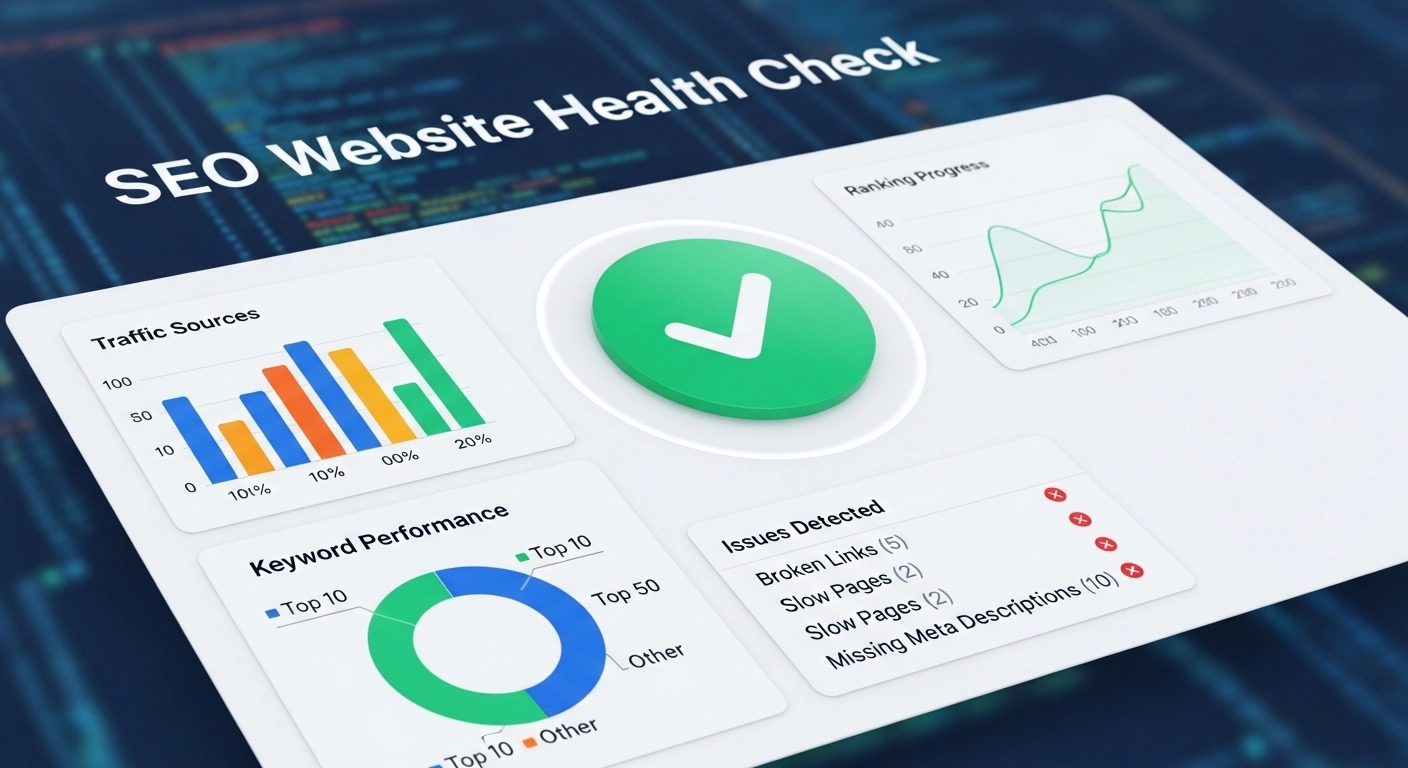
If your website traffic is dropping, pages are not ranking, or your site feels slow, the problem may not be your content—it could be your SEO health.
An SEO website health check helps you identify technical issues, content gaps, and optimization problems that stop your site from ranking in search engines.
Think of it like a routine checkup for your website. When everything works correctly—speed, structure, content, and links—Google can crawl, understand, and rank your pages more easily.
In this guide, you’ll learn how to perform a full SEO website health check, what to look for, and how to fix the most common problems.
What Is an SEO Website Health Check?
An SEO website health check is a full evaluation of your website to make sure it follows best practices for search engines and users.
It analyzes areas such as:
- Technical SEO
- Site speed and performance
- Mobile usability
- On-page SEO
- Internal linking
- Content quality
- Indexing and crawlability
The goal is simple: identify issues that hurt rankings and fix them before they affect traffic.
Why an SEO Health Check Matters
Search engines constantly update their algorithms. A website that ranked well last year may struggle today if it has technical problems or outdated optimization.
A regular SEO audit helps you:
- Improve search engine rankings
- Increase organic traffic
- Fix technical errors
- Enhance user experience
- Boost page speed
- Discover new keyword opportunities
Even small improvements can produce big ranking gains over time.
Key Areas to Check in an SEO Website Health Audit
A strong SEO health check focuses on five core areas.
1. Technical SEO Health
Technical SEO ensures that search engines can crawl and index your website correctly.
Important things to check:
Crawl Errors
Broken pages, server errors, and redirect problems can block search engines.
Example:
If a page returns a 404 error, Google may remove it from search results.
XML Sitemap
Your sitemap should include all important pages and be submitted to Google Search Console.
Robots.txt File
Make sure it is not accidentally blocking important pages.
HTTPS Security
Secure websites (HTTPS) are trusted more by search engines and users.
2. Website Speed and Performance
Page speed is a ranking factor and a major user experience signal.
If your website loads slowly, visitors leave quickly—this increases bounce rate and hurts SEO.
Common speed issues include:
- Large image files
- Too many plugins
- Slow hosting
- Unoptimized code
Example:
A page that loads in 2 seconds will usually perform much better than one that loads in 6 seconds.
Ways to improve speed:
- Compress images
- Enable caching
- Use a content delivery network (CDN)
- Minimize CSS and JavaScript
3. Mobile Friendliness
More than half of global website traffic comes from mobile devices. Because of this, Google uses mobile-first indexing.
Your website should:
- Adjust to different screen sizes
- Load quickly on mobile networks
- Use readable text
- Have easy-to-click buttons
If a website is difficult to use on mobile, rankings can drop.
4. On-Page SEO Optimization
Each page on your site should clearly communicate its topic to search engines.
Check these elements:
Title Tags
The page title should include the main keyword.
Example:
“SEO Website Health Check: Complete Guide”
Meta Descriptions
Short descriptions that encourage users to click.
Headings (H1, H2, H3)
They organize content and improve readability.
Keyword Usage
Use natural variations of your main keyword such as:
- website SEO audit
- technical SEO check
- site health analysis
- SEO performance review
Avoid keyword stuffing. Write for people first.
5. Content Quality
Content is still the foundation of SEO success.
During a health check, review:
- Thin content pages
- Duplicate content
- Outdated articles
- Missing keywords
Good SEO content should:
- Answer real user questions
- Be easy to read
- Include helpful examples
- Provide updated information
Refreshing old posts often leads to quick ranking improvements.
6. Internal Linking Structure
Internal links help search engines discover pages and understand site structure.
A strong internal linking strategy:
- Connects related pages
- Distributes page authority
- Improves user navigation
Example:
A blog post about keyword research could link to:
- SEO tools guide
- content optimization tips
- link building strategies
This creates a topic cluster, which strengthens SEO authority.
7. Backlink Profile Review
Backlinks are still one of the strongest ranking factors.
A website health check should review:
- Number of backlinks
- Quality of referring domains
- Toxic or spam links
Focus on earning high-quality backlinks from trusted websites instead of building large numbers of low-quality links.
Simple SEO Website Health Check Checklist
Use this quick checklist to evaluate your site:
- Website loads under 3 seconds
- All pages use HTTPS
- No broken links or 404 errors
- Mobile-friendly design
- Optimized titles and meta descriptions
- Updated and useful content
- Strong internal linking
- Healthy backlink profile
Completing these steps improves both search visibility and user experience.
FAQ: SEO Website Health Check
How often should I perform an SEO health check?
Most websites should run a full SEO audit every 3 to 6 months. Large or frequently updated websites may need monthly checks.
What tools help with an SEO health check?
Popular tools include:
- Google Search Console
- Google Analytics
- Screaming Frog
- Ahrefs
- SEMrush
These tools help identify technical issues and ranking opportunities.
Can SEO problems affect website traffic?
Yes. Technical errors, slow loading speeds, and poor optimization can reduce rankings and significantly lower organic traffic.
Is an SEO audit the same as a website health check?
Yes. The terms SEO audit and SEO website health check are often used interchangeably.
Final Thoughts
A strong SEO strategy starts with a healthy website. Without fixing technical problems, improving speed, and optimizing content, even great articles may struggle to rank.
Running a regular SEO website health check helps you detect issues early, strengthen your site’s foundation, and maintain steady organic growth.
The best approach is simple:
audit → fix → optimize → monitor.
