
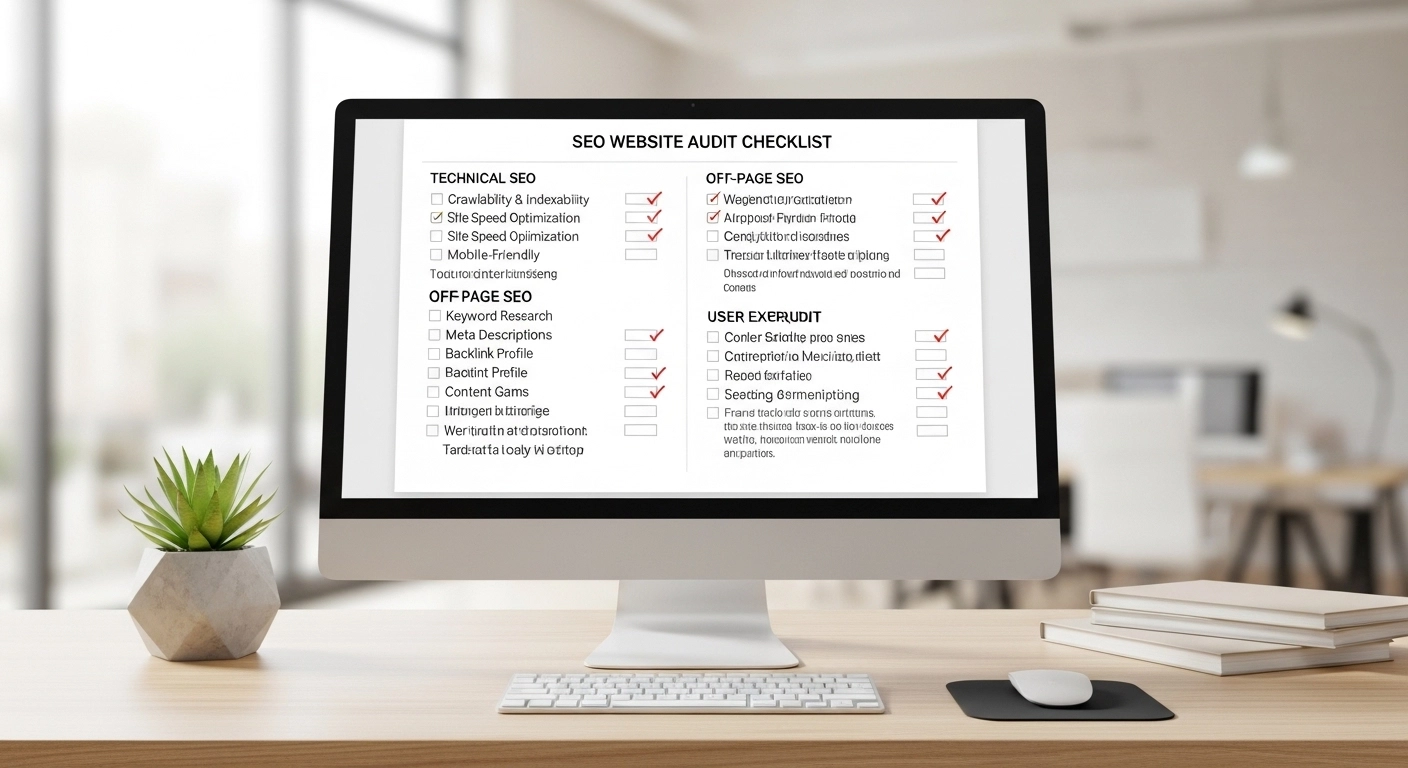
If your website is not ranking on Google, the problem is usually hidden in technical issues, weak content, or poor optimization. An SEO website audit helps you discover those problems and fix them so your site can rank higher, load faster, and attract more organic traffic.
In this guide, you’ll learn a complete SEO website audit checklist used by professionals. You can follow it step-by-step to analyze any website.
What Is an SEO Website Audit?
An SEO website audit is a full analysis of a website’s ability to rank in search engines. It checks technical performance, content quality, on-page SEO, and backlinks.
The goal is simple:
Find issues that prevent search engines from crawling, indexing, and ranking your website.
A proper audit answers questions like:
- Can Google crawl your website?
- Are your pages optimized for the right keywords?
- Is your website fast and mobile-friendly?
- Are there broken links or technical errors?
Once you find these issues, you can fix them and improve rankings.
Complete SEO Website Audit Checklist
Use the checklist below to evaluate your website step by step.
1. Check Website Indexing
The first step is to confirm whether your pages are indexed by Google.
Search this in Google:
site:yourdomain.com
This shows how many pages Google has indexed.
If important pages are missing, it may mean:
- The page is blocked in robots.txt
- The page has a “noindex” tag
- Google has not discovered the page yet
Make sure all important pages can be indexed.
2. Analyze Site Speed
Website speed is a major ranking factor.
Slow websites cause users to leave quickly, increasing bounce rate and hurting SEO.
Things to check:
- Page loading time
- Image sizes
- JavaScript and CSS files
- Server response time
Ways to improve speed:
- Compress images
- Use caching
- Reduce unnecessary scripts
- Use a fast hosting provider
A fast website improves both rankings and user experience.
3. Check Mobile Friendliness
More than half of web traffic comes from mobile devices.
Google uses mobile-first indexing, which means it evaluates your mobile site before the desktop version.
Your website should:
- Fit different screen sizes
- Have readable text
- Avoid overlapping elements
- Load quickly on mobile networks
A responsive design is essential for SEO success.
4. Review On-Page SEO
On-page SEO helps search engines understand your content.
Check the following elements on each page:
Title Tags
Your title tag should include the main keyword and stay under about 60 characters.
Example:
SEO Website Audit Checklist – Complete Guide for Beginners
Meta Descriptions
A clear description improves click-through rate from search results.
Example:
Learn the complete SEO website audit checklist to find and fix ranking issues. Improve traffic, speed, and search visibility.
Header Tags (H1, H2, H3)
Use headings to structure content and include keywords naturally.
Example structure:
H1: SEO Website Audit Checklist
H2: Technical SEO Audit
H2: On-Page SEO Audit
H2: Content Audit
Image Optimization
Images should include:
- Descriptive file names
- ALT text
- Compressed sizes
Optimized images help both accessibility and SEO.
5. Evaluate Content Quality
Content is one of the most important ranking factors.
Check if your content:
- Matches search intent
- Uses relevant keywords naturally
- Provides useful information
- Is longer and better than competitors
- Is updated regularly
Thin or outdated content should be improved or removed.
6. Check Internal Linking
Internal links help search engines discover pages and distribute authority across your website.
A strong internal linking strategy should:
- Link related articles
- Use descriptive anchor text
- Avoid orphan pages (pages with no internal links)
Example:
If you have a post about keyword research, link it from your SEO guide article.
This helps search engines understand topic relationships.
7. Identify Broken Links
Broken links create a poor user experience and can harm SEO.
Common issues include:
- 404 pages
- Deleted pages still linked internally
- Incorrect URLs
Fix broken links by:
- Updating the link
- Redirecting the page
- Removing the broken reference
8. Audit Technical SEO
Technical SEO ensures search engines can properly crawl your site.
Important areas to review:
XML Sitemap
Your sitemap should list important pages and be submitted to Google.
Robots.txt
Check that you are not accidentally blocking important pages.
HTTPS Security
Websites should use secure HTTPS connections.
Canonical Tags
These prevent duplicate content issues.
Technical errors can seriously affect rankings if left unfixed.
9. Review Backlink Profile
Backlinks are one of the strongest ranking signals.
During an audit, analyze:
- Total number of backlinks
- Quality of linking websites
- Anchor text distribution
- Toxic or spam links
Focus on earning links from trusted websites in your industry.
Quality backlinks help increase domain authority and search rankings.
10. Check User Experience (UX)
Google increasingly measures how users interact with websites.
Important UX signals include:
- Bounce rate
- Time on page
- Page navigation
- Layout clarity
A clean, easy-to-navigate website encourages visitors to stay longer.
Good user experience supports better SEO performance.
Simple SEO Audit Workflow (Example)
Here is a simple process many SEO experts follow:
- Check indexing and crawlability
- Analyze site speed and mobile performance
- Review on-page SEO elements
- Improve content quality and search intent
- Fix broken links and technical issues
- Strengthen internal linking
- Analyze backlinks and authority
Following this process regularly keeps your website healthy.
SEO Website Audit FAQ
How often should I perform an SEO audit?
Most websites should run a full SEO audit every 3 to 6 months. Large websites may require monthly checks.
What tools can help with an SEO audit?
Popular tools include:
- Google Search Console
- Google Analytics
- Screaming Frog
- Ahrefs
- SEMrush
These tools help identify technical issues, keywords, and backlinks.
How long does an SEO audit take?
A basic audit may take 2–4 hours, while a detailed audit for a large website can take several days.
Can beginners perform an SEO audit?
Yes. With the right checklist and basic SEO knowledge, beginners can run a useful audit and improve their site.
Conclusion
A regular SEO website audit is one of the most effective ways to improve search rankings. It helps uncover technical problems, content gaps, and optimization issues that may be holding your website back.
By following this SEO website audit checklist, you can:
- Fix technical errors
- Improve content quality
- Optimize on-page SEO
- Strengthen internal linking
- Build better search visibility
SEO success is not about one quick fix. It’s about consistently improving your website.
